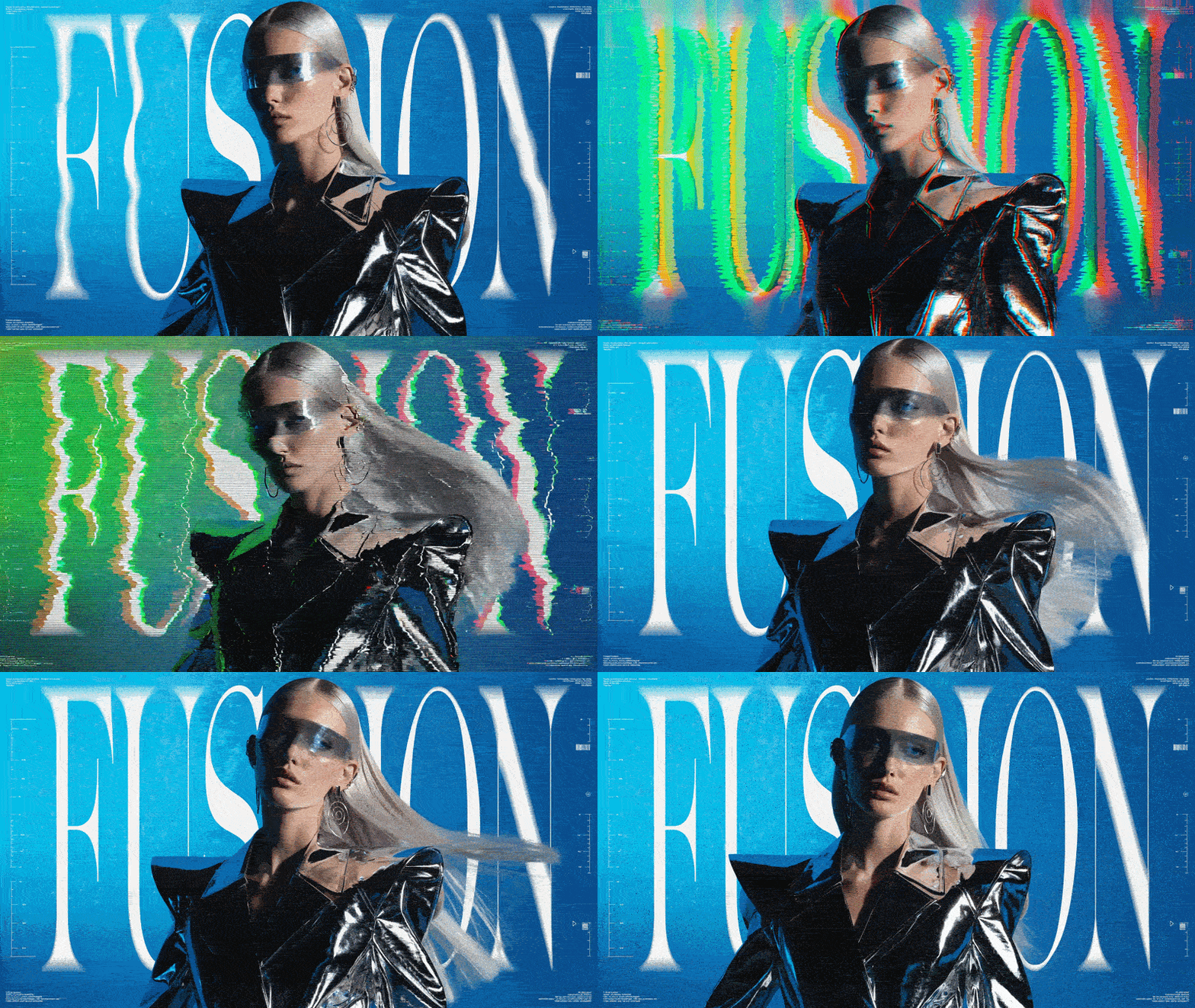
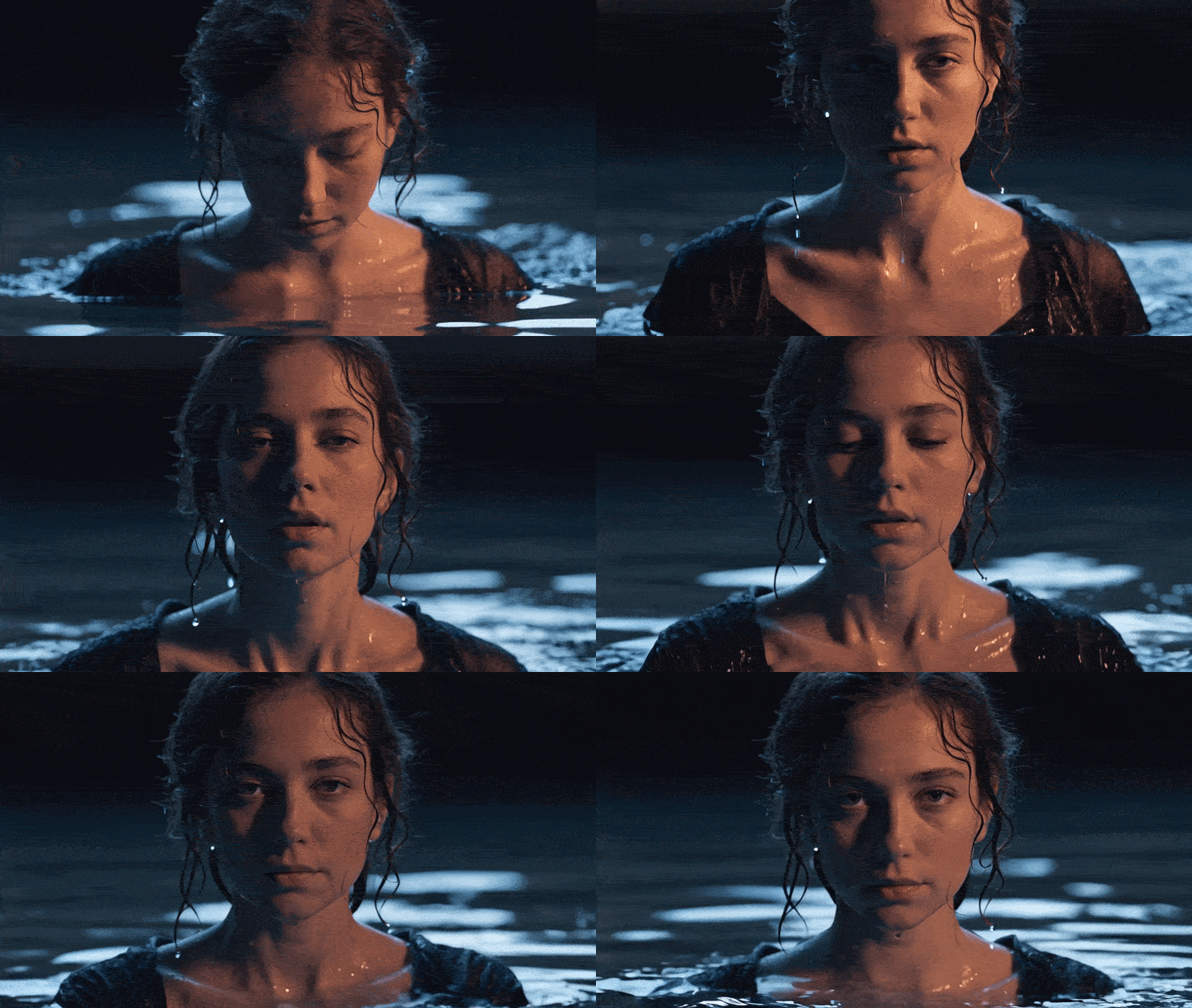
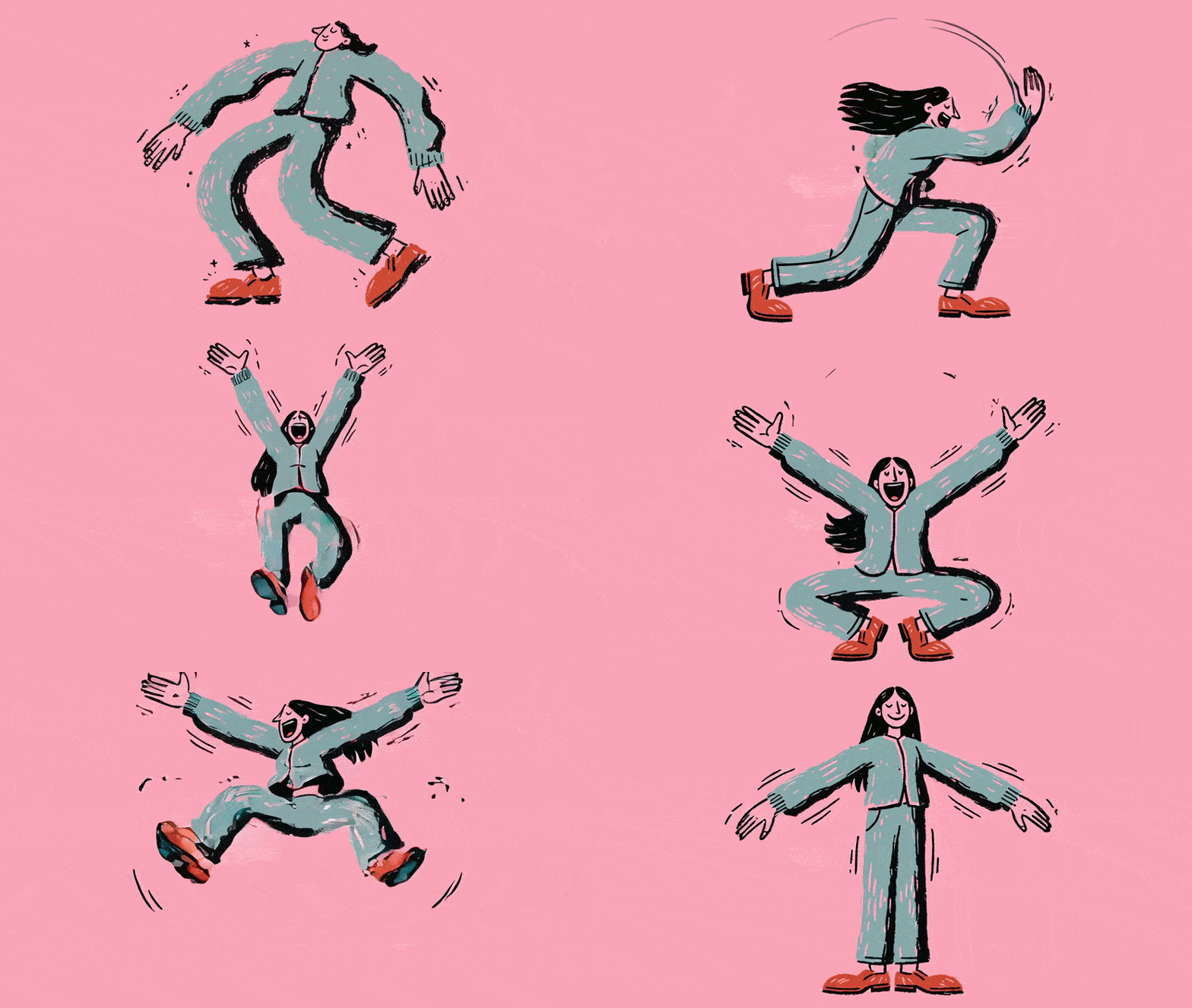
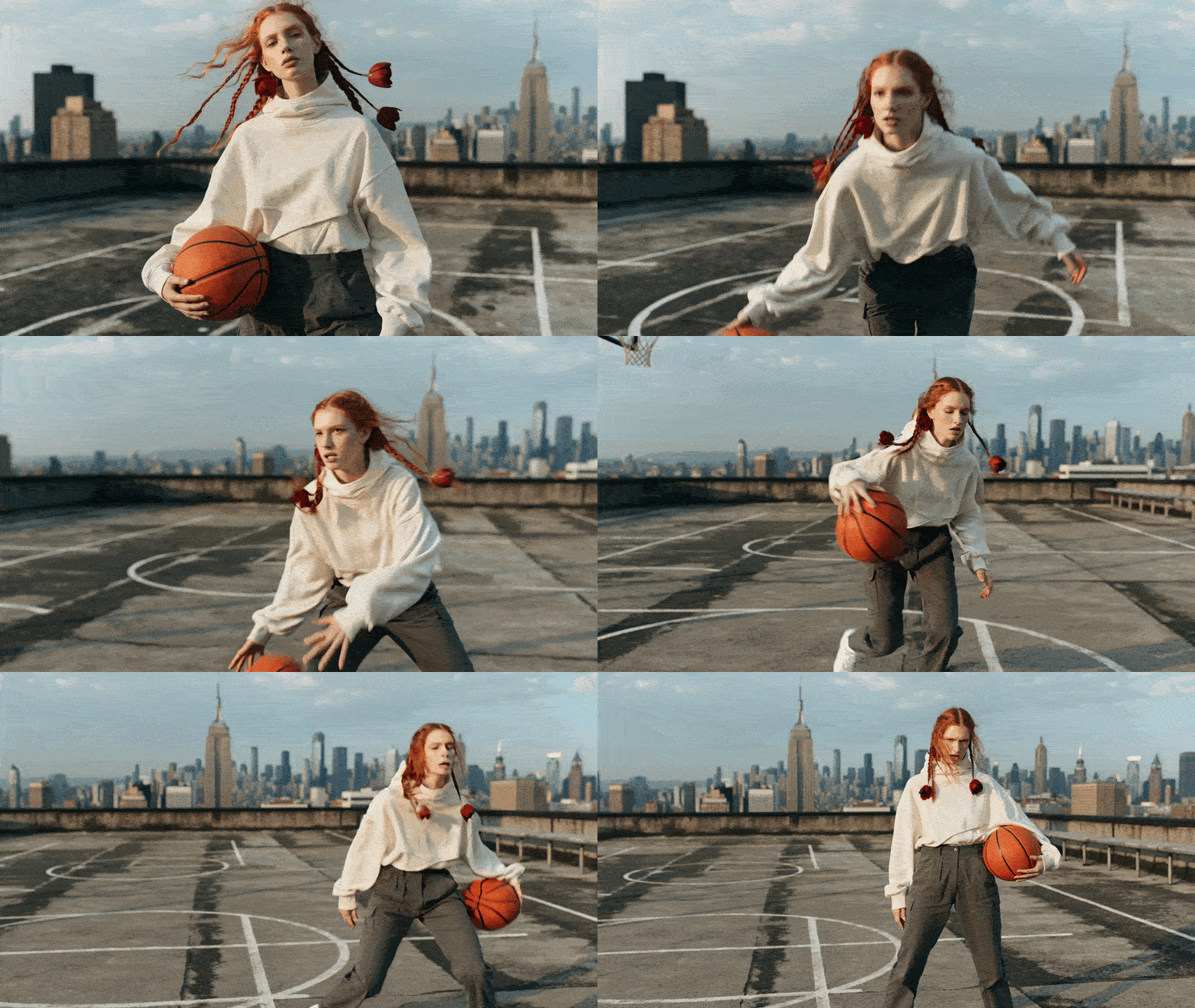
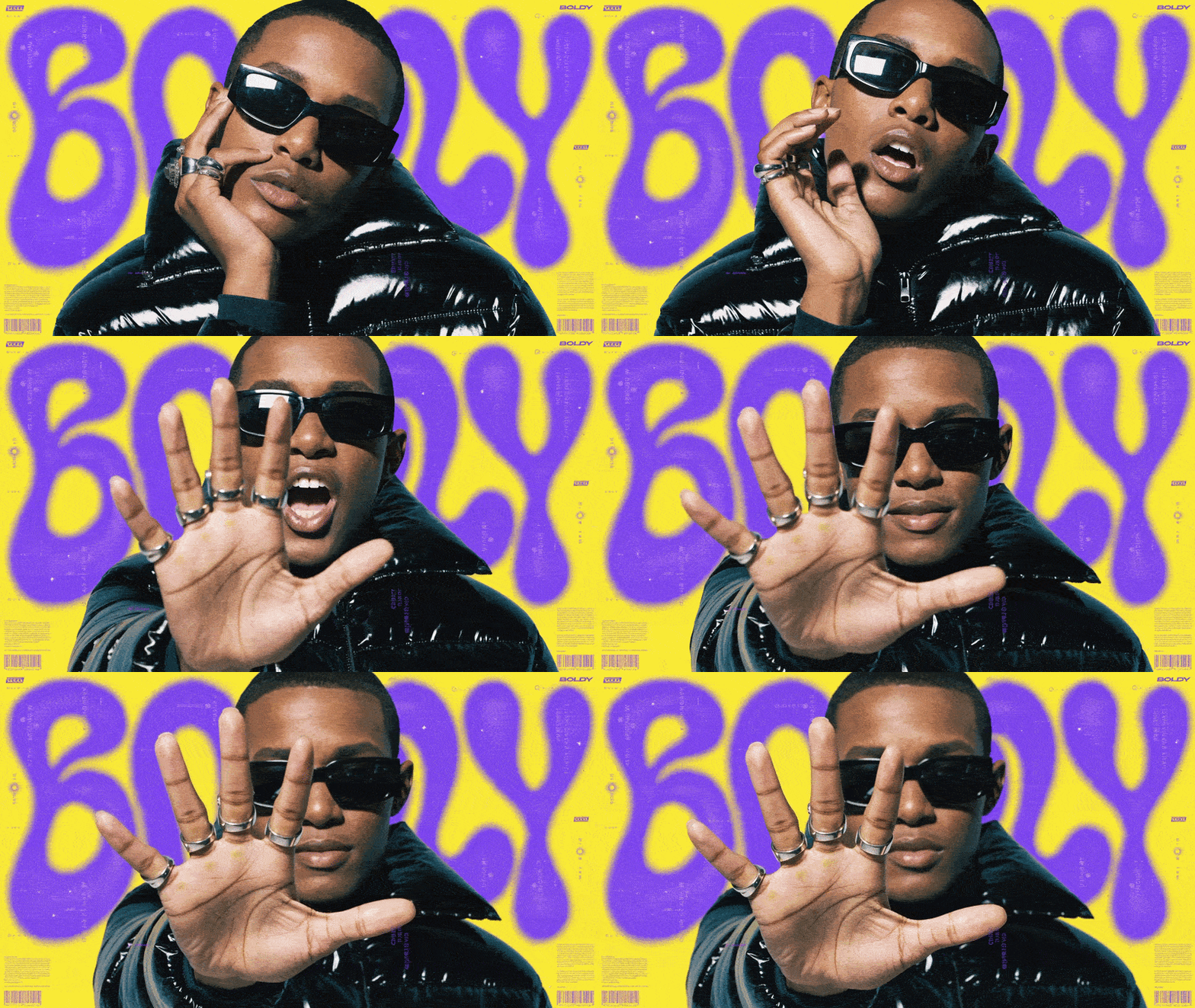
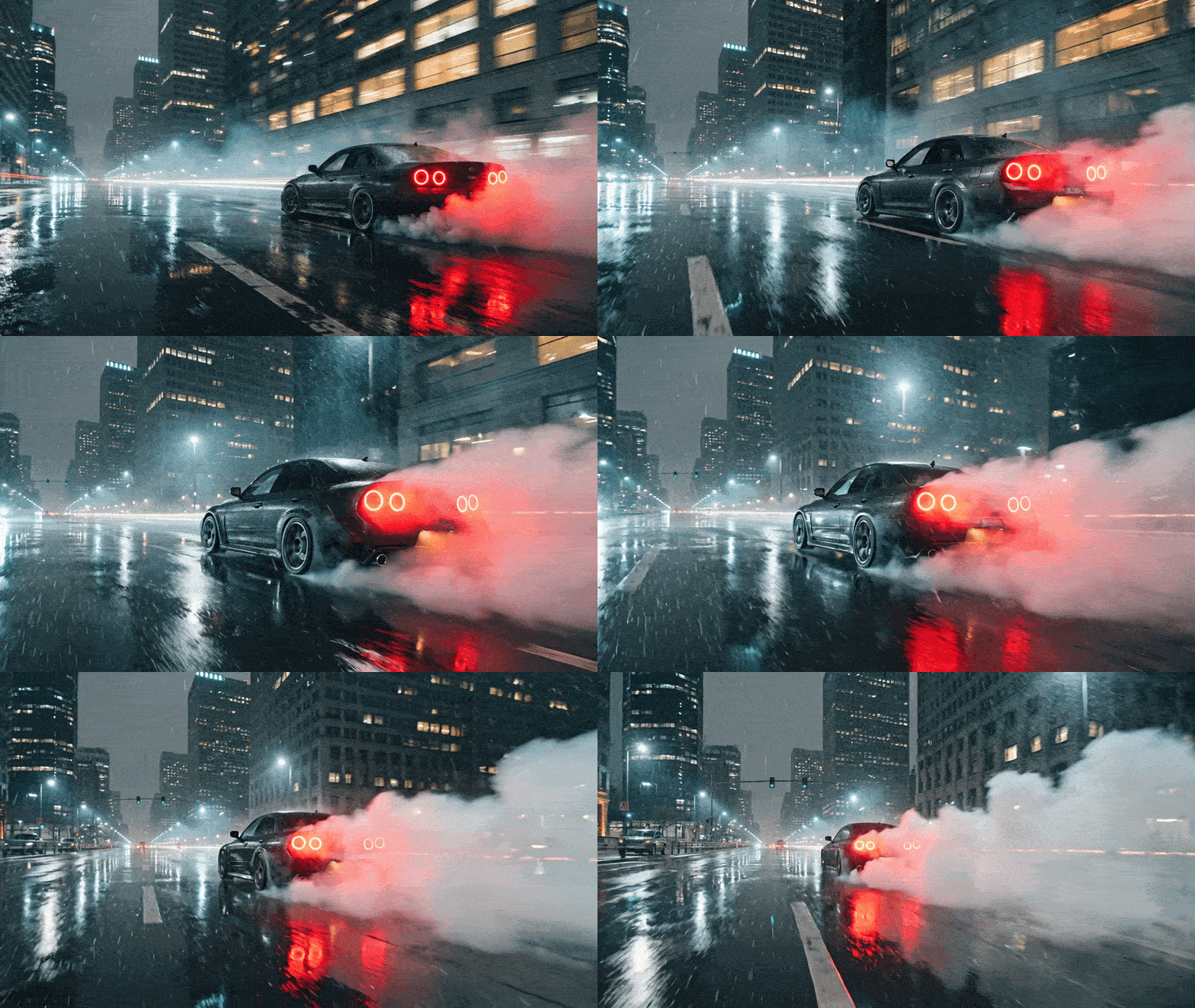
The Ultimate Cheat Sheet

Your go-to prompt library for Recraft’s image-to-video tools. Every prompt is universal — it works with any image on your canvas. Just click the copy button on any code block and paste it into Recraft. Every prompt on this page works directly inside Recraft’s canvas Select any image, open the video tool, paste a prompt, and watch it come to life. 👉 Open Recraft Studio →

📸 Camera Movement

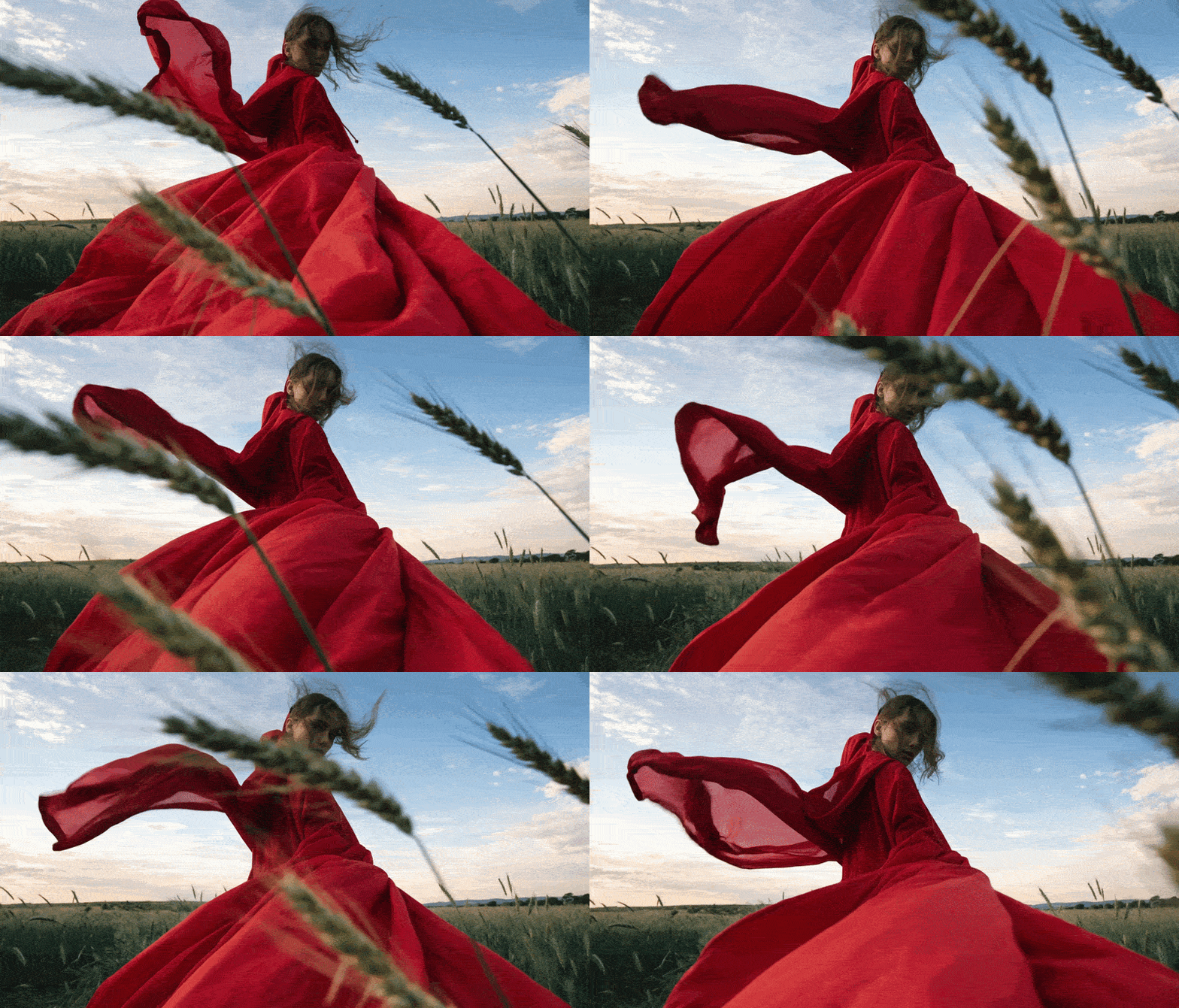
Slow Push In With Shallow Depth Of Field Ezgif Com Optimize(1)
Smooth zoom-in — cinematic feel
360° orbit — products, characters, objects
Gentle approach with blurred background
Pull back to reveal the full scene
Horizontal follow shot
Upward lift — reveals environment
Handheld feel — like real footage
Bottom-up angle — makes anything look powerful

🌊 Atmosphere & Environment

Subtle Highly Realistic Motion1 Ezgif Com Optimize
Subtle wind — hair, fabric, leaves react
Warm moving light — mood enhancer
Soft rain atmosphere
Slow snowfall with accumulation
Fog creeps in — mysterious mood
Floating particles — dreamy feel
Water motion with reflections
Living sky — background movement

👤 People & Portraits

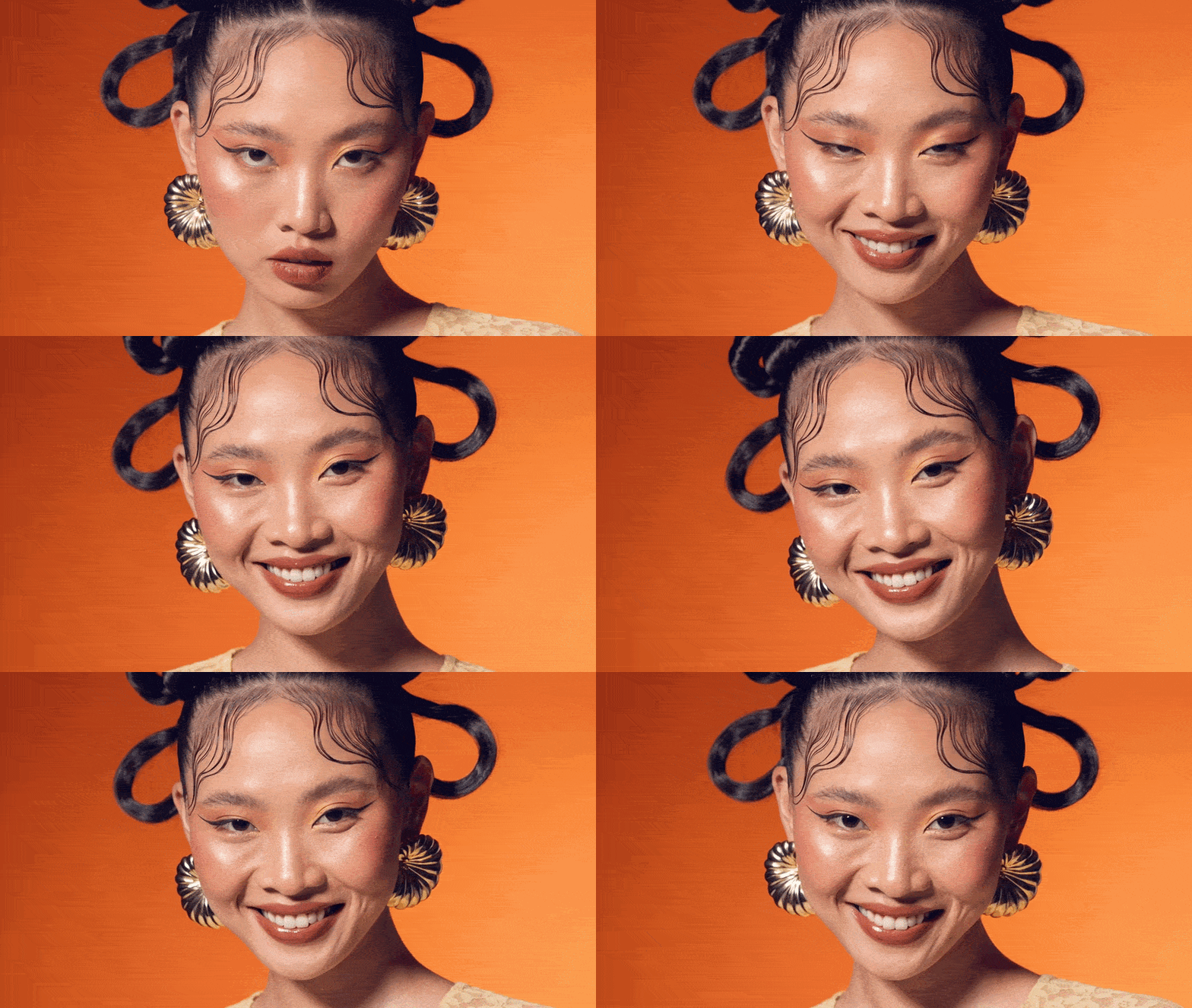
The Person Smiles Warmly Eyes Light Up Natural A Ezgif Com Optimize

Emotions

Warm authentic smile
Natural laugh with body movement
Surprise reaction
Confident half-smile
Neutral to happy transition
Calm meditative mood
Playful wink
Deep thought — focused gaze

Body & Head

Classic head turn to camera
Micro-movements — brings photos to life
Confident walk in slo-mo
Eyes lifting to camera — magnetic
Head tilt — curiosity
Lean-in — creates engagement
Look away + return — cinematic beat

Hand Gestures

Inviting hand — pulls viewer in
Friendly wave
Subtle face touch — editorial feel
Hair touch — fashion/lifestyle
Arms crossed — confidence
Object showcase — presentation
Hand on heart — emotional

Portrait + Camera Combos

Zoom-in + smile + blur
Orbit + confident pose
Close-up + emotion shift
Low angle + power look
Handheld follow + walking
Crane up + look up + drama
Behind + turn around + surprise

🛍️ Product & Object Scenes

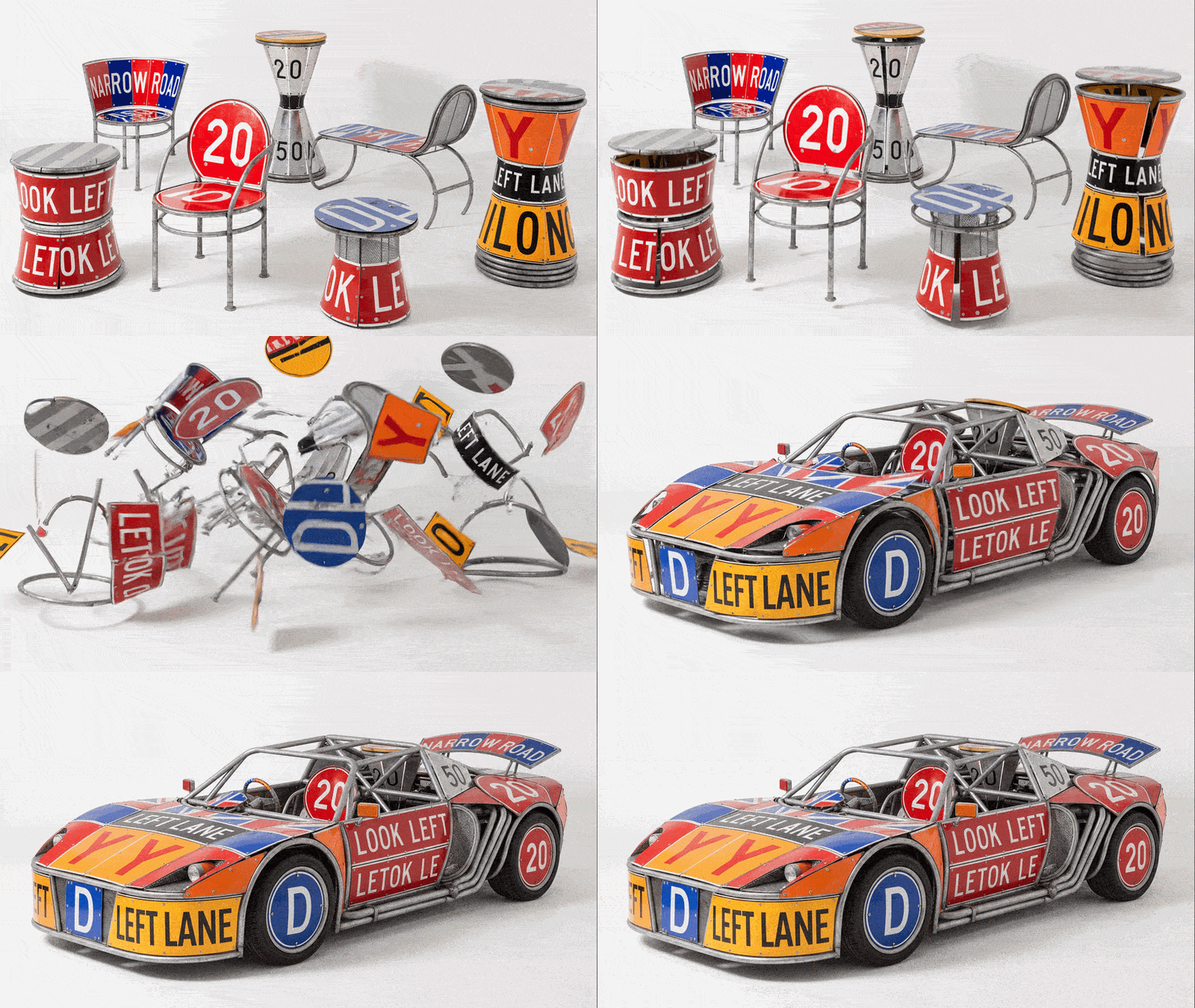
Break The Furniture Down Into Many Small Randomly Ezgif Com Optimize
Classic product spin
Human interaction with product
Orbit with studio light sweep
Satisfying product drop
Epic liquid splash — cosmetics, drinks
Unboxing moment
Texture reveal — luxury feel

🎨 Logo Animation

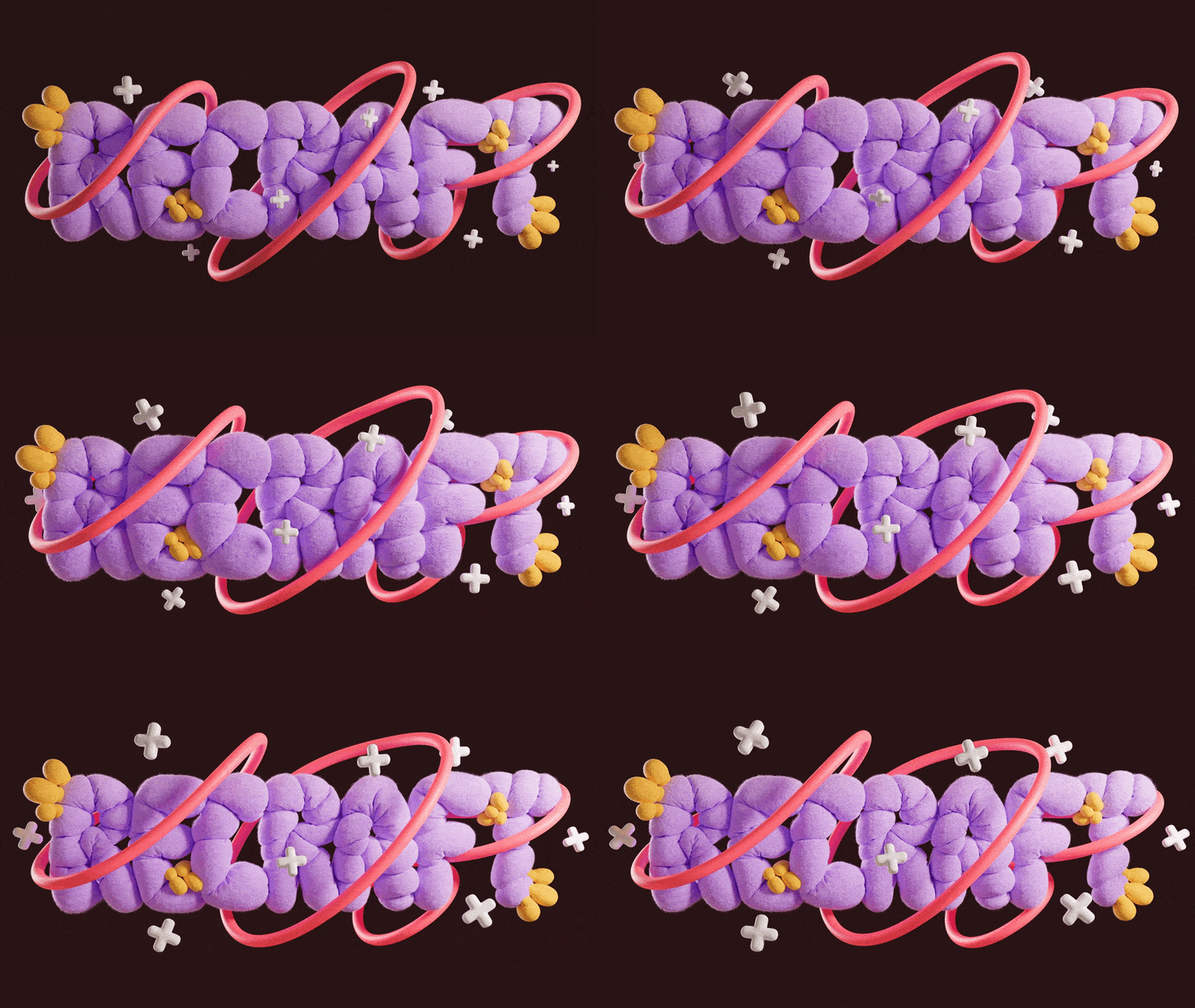
The Logo Fades In Slowly From Darkness Soft Light1 Ezgif Com Optimize

Reveal

Assembly from fragments
Classic fade-in from black
Drop + bounce — energetic
Particle convergence — magical
Fast zoom reveal — punchy

Loops

Breathing pulse — website hero
Light shimmer — elegant
Floating effect — ambient
Particle orbit — tech/creative

Texture & Environment

Water distortion
Fire edges — intense mood
Smoke + drama
Ice break — powerful reveal

Digital & Tech

Glitch + restore
Neon trace — night aesthetic
Hologram — futuristic

✨ Effects & Stylization

Glitch Effect Distorts The Image Briefly Then Sta Ezgif Com Optimize
Photo-to-cinema transformation
Rising light particles — magical
Parallax — instant depth
Quick glitch — attention grabber
Color transition — before/after feel
God rays — dramatic reveal
Bokeh — dreamy background
Environment morph — scene transition

🎥 Cinematic Moods

Dark Moody Atmosphere Shadows Shift Across The Su Ezgif Com Optimize
Full cinematic package
Dark & moody — drama
Light & dreamy — lifestyle
Cyberpunk / night city
Film look — retro nostalgia
Epic scale — landscapes, architecture

🚀 Ready to Use — Copy & Paste

High Intense Dance Realistic Motion1 Ezgif Com Optimize

🔥 High Energy

Action shot — maximum impact
Explosion from center — product reveals
Wind blast — everything reacts
Rush toward camera — scroll stopper
Spinning orbit — trailer energy
Water explosion — epic product shot
Glass shatter — dramatic reveal

🪶 Subtle & Realistic

Bring any photo to life
Soft lifestyle animation
Atmospheric mood piece
Portrait animation
Cozy scenes — food, interiors
Universal B-roll
Warm ambient scene

🧩 Combo Prompts — Multi-Layer

The Subject Moves With High Energy Fast Dynamic M1 Ezgif Com Optimize
Cinematic Push-In — universal cinematic shot
Dramatic Orbit — products, people, objects
Quiet Atmosphere — moodboards, stories
Explosive Reveal — first seconds of a video
Soft Bring-to-Life — makes any image breathe
Dark Cinematic — scale and drama

📏 Motion Intensity Scale

The Person Reaches Out Their Hand Toward The Camer2 Ezgif Com Optimize
Add these keywords to any prompt to control movement.
Level 1 — Almost Still
For: living covers, moodboards, gentle stories Level 2 — Soft Motion
For: portraits, lifestyle, B-roll Level 3 — Moderate
For: product videos, tutorials, standard content Level 4 — High Energy
For: hooks, reveals, teasers Level 5 — Maximum
For: wow moments, effects, first seconds

🔧 Modifiers — Add to Any Prompt

The Subject Moves With High Energy Fast Dynamic M Ezgif Com Optimize
Slow everything down, more detail
Remove jitter, cleaner motion
Blurred background, subject focus
Dramatic light with contrast
Push for higher quality
Realistic physics
Less movement = fewer artifacts
Perfect loop with no visible cut

⛔ What NOT to Do

❌ Don’t write essays — 1–2 sentences max. Longer prompts confuse the model. ❌ Don’t stack actions — “Person walks, turns, picks up cup, sits” = bad. One action per prompt. ❌ Don’t describe what’s already visible — The model sees your image. Describe what should change. ❌ Don’t contradict yourself — “Slow calm + explosive motion” = the model doesn’t know what to pick. ❌ Don’t be vague — “Make it cinematic” = nothing. “Slow dolly-in, shallow depth of field” = works.

💡 Pro Tips

  1. Simpler = better. 1–3 sentences max.
  2. One prompt = one action. Generate multiple clips instead of stacking.
  3. Describe the change, not the scene. The model already sees your image.
  4. Modifiers go at the end, not the beginning.
  5. Combine categories: camera + atmosphere + modifier = strongest results.
  6. Start subtle, then scale up. Level 2 first, push to 4 if needed.

🚀 Try These Prompts Inside Recraft Studio

Stop scrolling. Start creating. Every prompt on this page works directly inside Recraft’s canvas — select any image, open the video tool, paste a prompt, and watch it come to life.